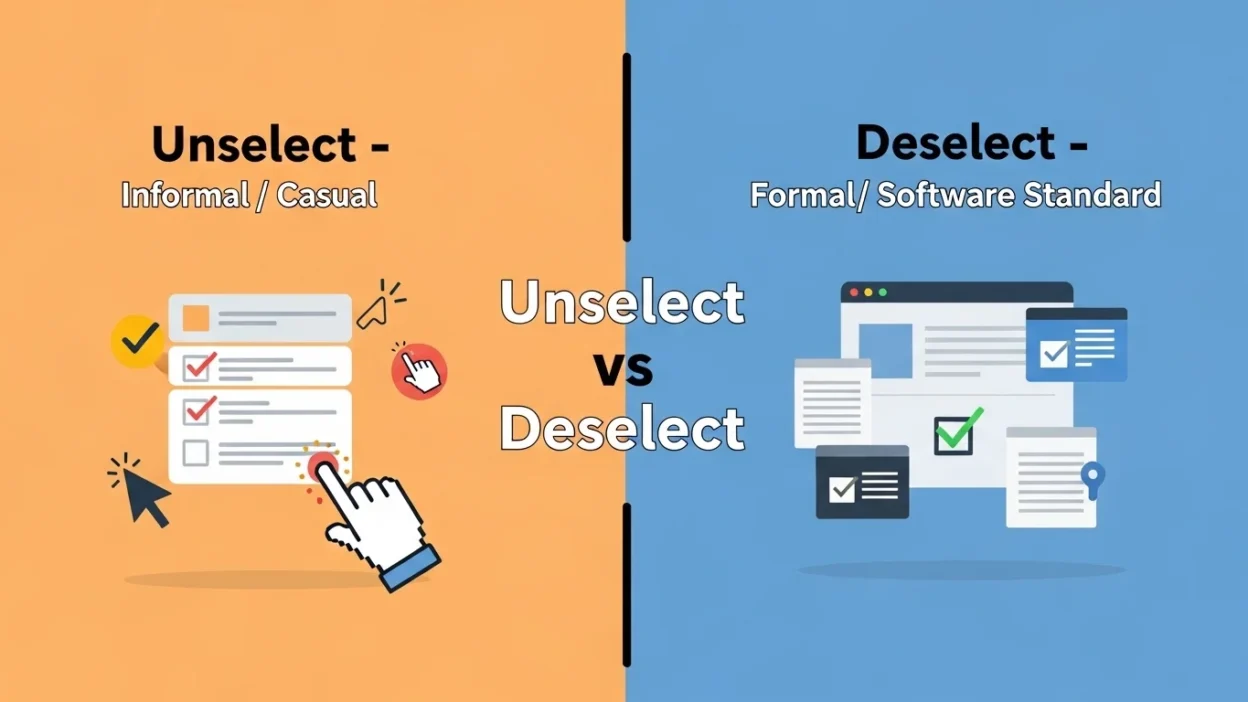
Many students and English learners get confused about unselect or deselect. Both words mean removing a choice or selection, but they are used in slightly different ways.
For example:
- “Click here to deselect the option in your app.”
- “How do I unselect the item in the menu?”
This article explains the difference between unselect and deselect, shows real-life examples, gives practice exercises, and helps you confidently use them in apps, software, tutorials, and everyday digital tasks.
Quick Answer
- Unselect → informal or casual, used to remove a selection
- Deselect → formal and standard in software or tutorials, used to remove a selection
Memory Tip:
Think “Unselect = casual / Deselect = professional”
Background and Origin
- Deselect comes from adding the prefix “de-” to “select,” meaning undo the selection.
- Unselect comes from adding “un-” to “select,” also meaning remove the selection.
In software and apps:
- Deselect is standard in most programs, tutorials, and manuals.
- Unselect is used occasionally in casual instructions, help guides, or spoken conversation.
Tip for learners:
Ask: “Am I giving a formal instruction or speaking casually?” → Formal = deselect, Casual = unselect
Clear Explanation of the Difference
| Feature | Unselect | Deselect |
| Meaning | Remove a selection | Remove a selection |
| Usage | Informal / casual | Formal / standard in software and tutorials |
| Context | Conversation, casual instructions | Apps, software, tutorials, manuals |
| Examples | “You can unselect the items.” | “Click here to deselect the checkbox.” |
| Preference | Less preferred | More widely accepted |
| Memory Tip | Casual / spoken | Professional / software |
Key point: Both words mean the same thing, but deselect is more professional and widely used in software and tutorials.
How to Use Them
Using Unselect (Informal / Casual)
- “You can unselect all the items if you change your mind.”
- “I accidentally unselected the wrong folder.”
- Tip: Use in casual speech or informal instructions.
Using Deselect (Formal / Standard)
- “To remove the selection, deselect the checkboxes.”
- “Right-click and choose deselect to undo your selection.”
- Tip: Use in tutorials, manuals, and professional software instructions.
Real Life Examples
Computer / App Use
- “Deselect the unwanted items before saving.”
- “I accidentally unselected the folder I wanted.”
Emails / Online Forms
- “Make sure to deselect the optional subscription box.”
- “You can unselect multiple recipients if needed.”
Social Media / Apps
- “Deselect filters you don’t want in the search.”
- “I unselected the wrong options in the app.”
Daily Conversation
- “I told him to deselect the wrong items in the tutorial.”
- “You can unselect the choices you don’t want.”
These are unselect or deselect examples across platforms, software, and apps.
Common Mistakes Students Make
- ❌ Using “deselect” in casual conversation → sounds too formal
- ❌ Using “unselect” in professional tutorials → less correct
- ❌ Confusing with “uncheck” → uncheck only works for checkboxes
Memory Trick:
Formal software instructions → deselect
Casual speech → unselect
Short Learning Section (For Students & Beginners)
Easy Trick
- Unselect = informal / casual instructions
- Deselect = formal / professional / software-standard
Practice Exercises
Fill in the blanks:
- Click here to ______ the selected file.
- To remove unwanted options, ______ the checkboxes.
- You can ______ all items in the menu.
- In tutorials, always use ______ instead of unselect.
- Make sure to ______ the subscription box if not needed.
- Right-click and choose ______ to undo your selection.
- I accidentally ______ the wrong filters in the app.
- You should ______ unnecessary items before saving your document.
Answers:
- unselect
- deselect
- unselect
- deselect
- deselect
- deselect
- unselected
- deselect
FAQ (Simple Questions & Answers)
1. Are unselect and deselect the same?
Yes, both mean to remove a selection, but usage depends on formality and context.
2. Which word is more formal?
Deselect is standard in software, apps, and tutorials.
3. Can I use unselect in tutorials?
It’s better to use deselect in tutorials, manuals, and professional software instructions.
4. Can I use deselect in casual conversation?
Yes, but unselect may sound more natural.
5. Are these words only for computers?
Mostly, but they are used in apps, digital forms, and menus.
6. How is unselect different from uncheck?
Uncheck only applies to checkboxes, while deselect/unselect can remove any type of selection.
7. Can I pluralize these words?
Yes, e.g., “unselects” or “deselects,” but it’s rarely used.
8. Examples in software and apps?
- “Deselect all items before saving.”
- “Unselect the options you don’t need.”
These FAQs make unselect vs deselect fully clear for beginners and ESL learners.
Conclusion
Now you understand unselect or deselect and the difference between unselect and deselect.
Final Rule to Remember:
- Unselect = informal / casual instructions
- Deselect = formal / software-standard / professional
Memory Tip:
“If it’s a tutorial, app, or software, use deselect. If speaking casually, use unselect.”
With this guide, examples, practice exercises, and memory tips, you can confidently use unselect vs deselect in software, apps, tutorials, and everyday digital tasks.

Andrew Christopher is a passionate visionary who blends creativity with purpose to bring ideas to life. With a focus on innovation and integrity, he inspires growth and lasting impact.